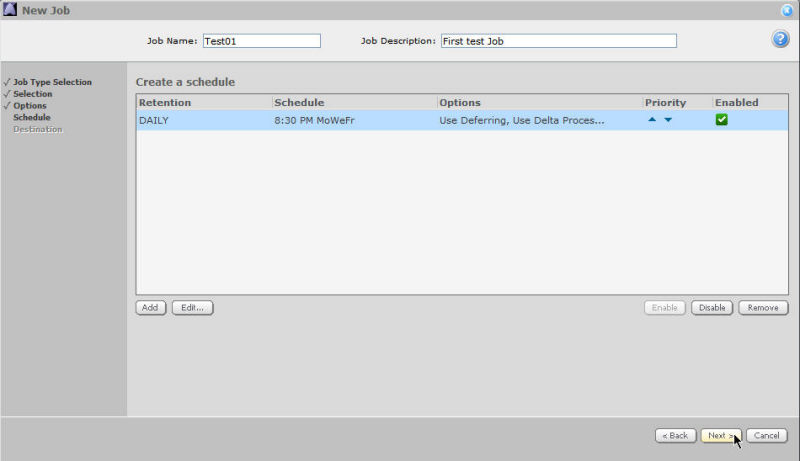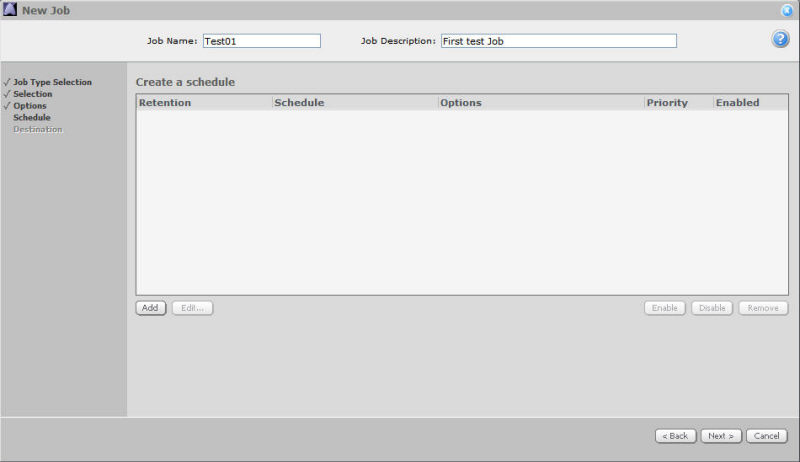
To create a schedule for your Job, click Add.
The Schedule Details page will open, offering three views from the Schedule View menu: Days of Week, Days of Month, and Custom.
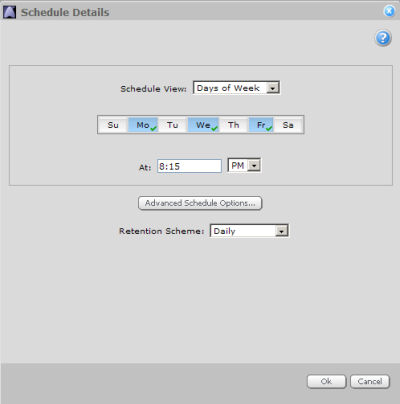
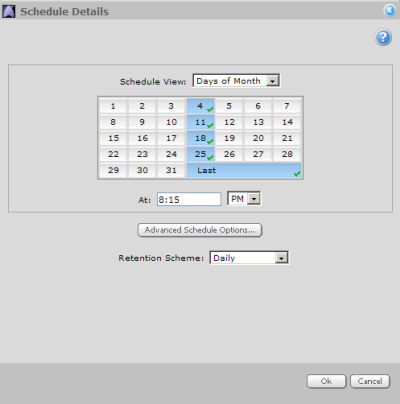
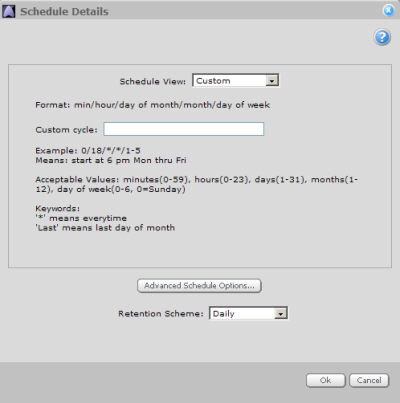
Click Advanced Schedule Options to specify file compression and/or deferring.
When you have selected the days, time, and retention scheme for your backup, click Ok.
You can then review your selections in the schedule creation window. You can add another schedule, as well as edit or disable existing schedules.
Click Next to proceed.