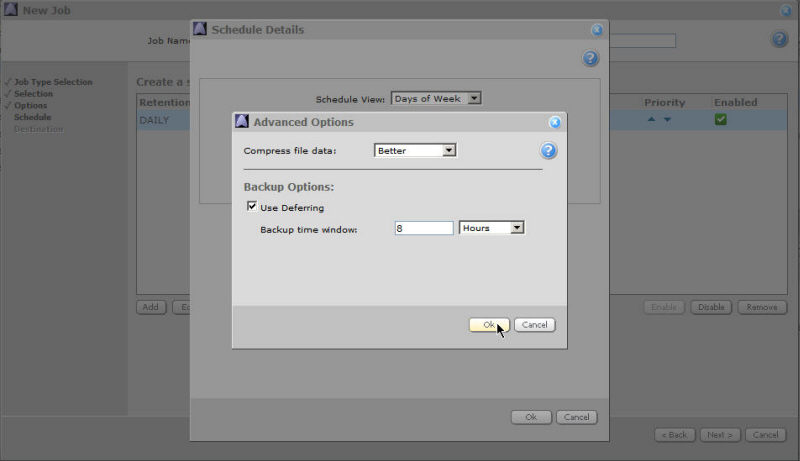
Select the type of compression you wish to use for the backup. See Compression Details.
Select whether or not to use deferring as a backup option. See Use Deferring below.
Deferring can be useful if you are backing up a very large amount of data (such as when you first seed your data). This might take many hours or days, but you won't tie up a lot of your bandwidth during peak hours.
Use Deferring allows you to set the number of hours that you want your backup to run. This time period is called the Backup Window. The backup will stop at the end of this time period, regardless of whether the process is complete or not. Files not backed up are deferred until the next scheduled backup time, at which point the backup will continue from where it left off. The default Backup Window is eight hours.
If you don't use deferring, the backup will continue beyond any prescribed Backup time window, if necessary.