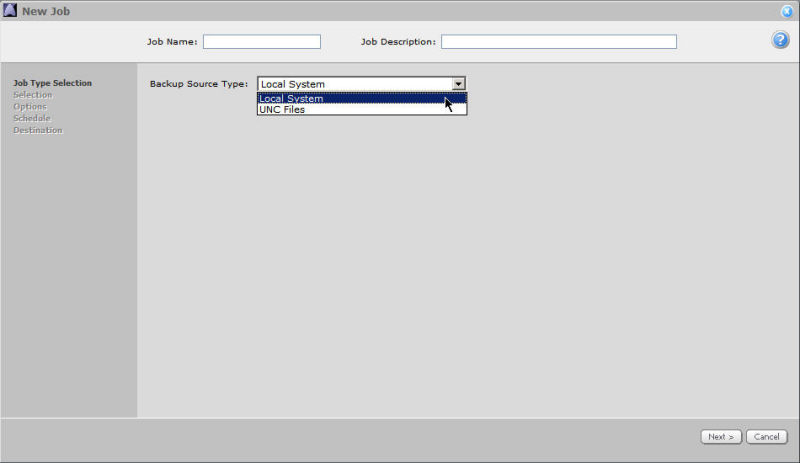
Select a Backup Source Type (type of data) for your backup:
The backup source selections include Local System and UNC Files. You might also see selections for Plug-Ins if they have been installed on the Agent.
Select the source of the data that will be backed up by this Job. What you select here will affect the next screens (for data selection).
Click Next to proceed.
Local System (local drives only) allows you to include data files and (optionally) System State, RSM Database, and Event Logs (depending on the local OS). You will only be able to back up from the drives that your local computer can access (for example, "C").
UNC Files - this selection allows you to back up shared files by entering their paths in the next screen. For more information about UNC (Universal Naming Convention) files, see How to Add a UNC Share.