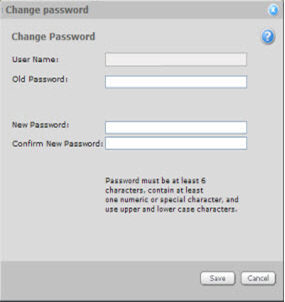
The "Change Password" link brings up a window that allows you to change your Login password.
To change your password, enter your old password, and then your new password. Enter your new password again for confirmation.
Note: Disable any "Remember Password" or password-completion options in your browser because these present security risks.
A secure Login password meets these requirements:
At least six (6) characters in length
Contains at least one numeric or special character
Uses both uppercase and lowercase characters